
How to Order Engraved Labels From a Panel Schedule
How do you turn a schedule into a production-ready label list?
Use the current approved schedule and assign one row ID to each distinct label design. Copy approved identifiers accurately, add quantities and physical specifications, and retain the drawing revision. The ordering template is a file-preparation aid, not a code-approved label design or a substitute for engineering review.
How should I record two lines of engraved text?
Put the first and second text lines in separate columns. Keep equipment identifiers as text so leading zeros are not lost. If more lines are required, add clearly named columns or attach the approved layout. Do not place several unrelated label designs into one cell.
What should I check before uploading the label schedule?
Check row IDs, exact text, quantity, units, finished dimensions, colors, mounting, exposure, grouping, and drawing revision. Replace illustrative examples with your approved information. Identify exceptions and any manufacturer-specified material, then request review before releasing the list for production.
Download the label ordering template
CSV label schedule · Excel label schedule (ZIP)
Keep one row per distinct label design and use the quantity column for repeats. Unzip the Excel file to access instructions, a blank order sheet, and clearly marked examples. Replace example wording with your approved project data, preserve leading zeros, and confirm the source revision before uploading.
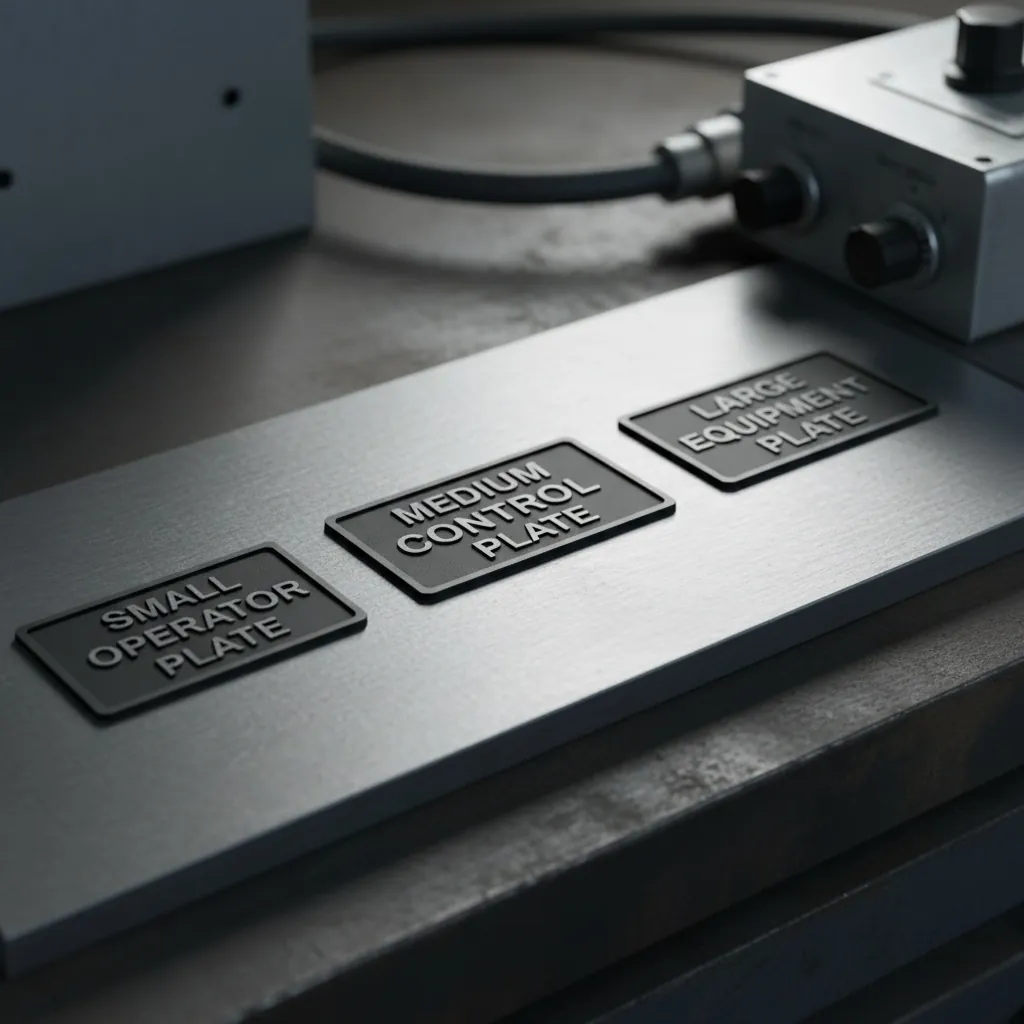
Most engraved-label orders fall apart in the same place: the handoff. A contractor has a finished panel schedule in a spreadsheet or a one-line in CAD, and turning that into a clean set of engraved labels feels like re-keying the whole thing. It doesn't have to be. Here's exactly what to send, in what format, and how the order moves from your file to finished labels.
Send the file you already have
You don't need to retype your directory into an order form. Panel schedules in Excel or CSV, circuit directories, label lists, one-lines, and CAD drawings (.DWG and .DXF) all work as source files. Clear PDFs of a marked-up schedule work too. The goal is to engrave from your source of truth, not a re-typed copy that introduces errors.
What each label set needs to specify
For a clean run, the file should make four things unambiguous: the exact text for each label (spelled and punctuated as it should read); the size, or the device it mounts to so size can be matched; the color pair (cap and core, e.g. white-on-black or white-on-red for hazard); and the mounting method (adhesive, or holes drilled for screws or rivets). Anything not in the file gets confirmed on the proof rather than guessed.
How the order flows
File intake → layout and formatting to your sizes and colors → a proof for approval → engraving → sorted delivery. For panelboard work, directory text is set to code-expected specificity; for panel builds, plates can be sorted by panel section so they arrive organized for assembly.
Bulk and repeat runs
For multi-panel jobs, one spreadsheet with a row per label — text, size, color, quantity — is fastest, and it becomes a reusable record for retrofits and maintenance. New construction, retrofits, and maintenance all engrave from the same kind of list.
Two things that speed a first order
Confirm which NEC edition your jurisdiction has adopted so directory detail matches your inspector's expectations, and note any facility-standard color code up front so labels match the site on the first run.
Custom Phenolic Labels engraves directly from panel schedules, one-lines, and CAD files — send the file, approve the proof, receive labels sorted for the job.
Plan the complete identification package
Use these connected guides and services to confirm the material, code reference, mounting method, and order details: Custom phenolic labels, Choose label colors and ply, Panel schedule labeling requirements, and Engraved label mounting options.
Continue your research
Get a Fast Quote
Send your specs, label list, or panel schedule. Most quotes go out within one business day, call for same-day rush production.
Kennesaw, GA 30144
Mon–Thu 9:30–4:30 · Fri 9:30–2:30